Patrons may have more than one Group of people whose Memberships they wish to support, whether two organizations under the same Patron or an individual supporting multiple households. Whatever the reason, if you need to have two separate Groups, you can create separate Groups under the same Patron.
- Log into your Patron Center account
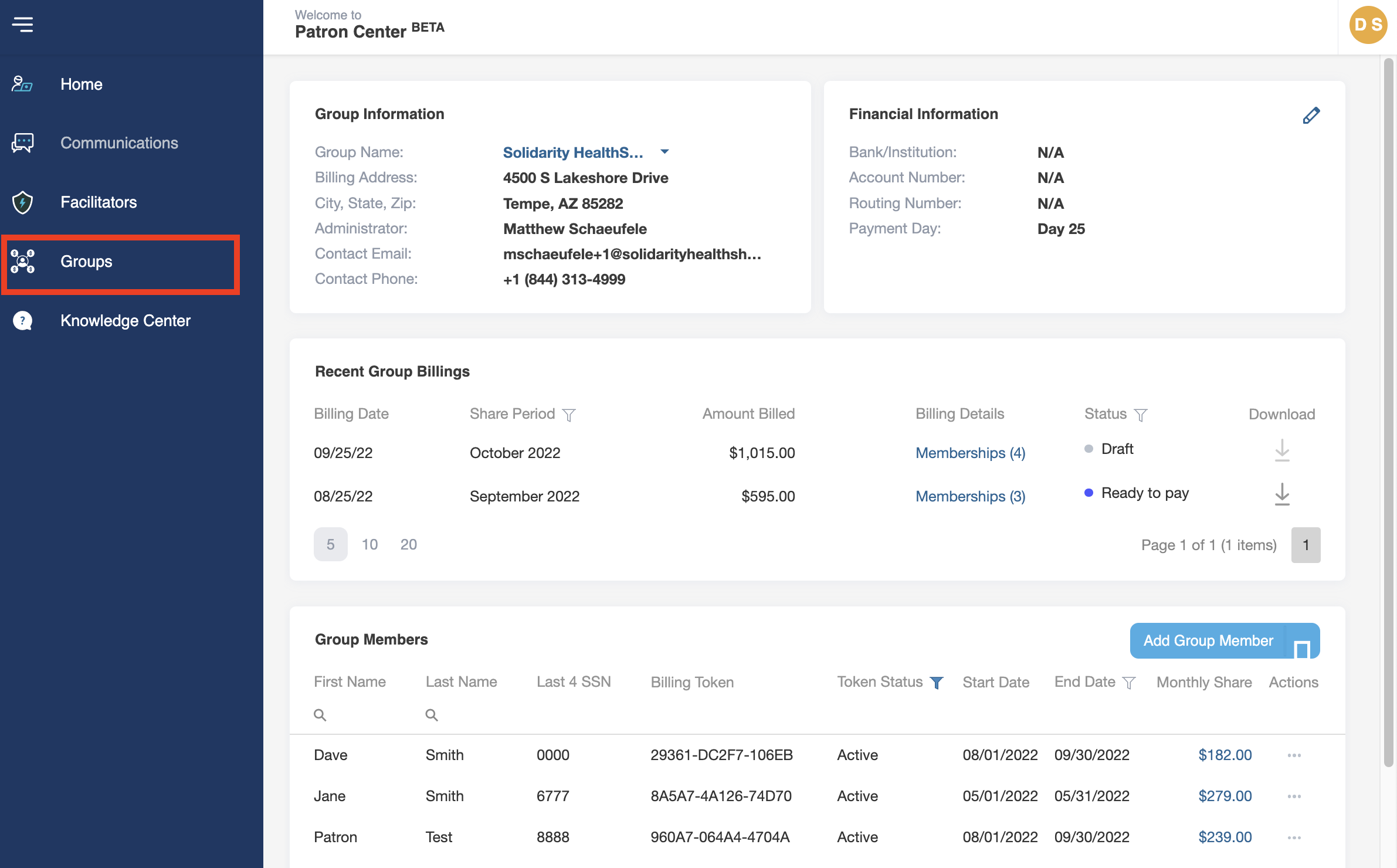
- From the Home screen, navigate to the Menu sidebar and click on Groups.
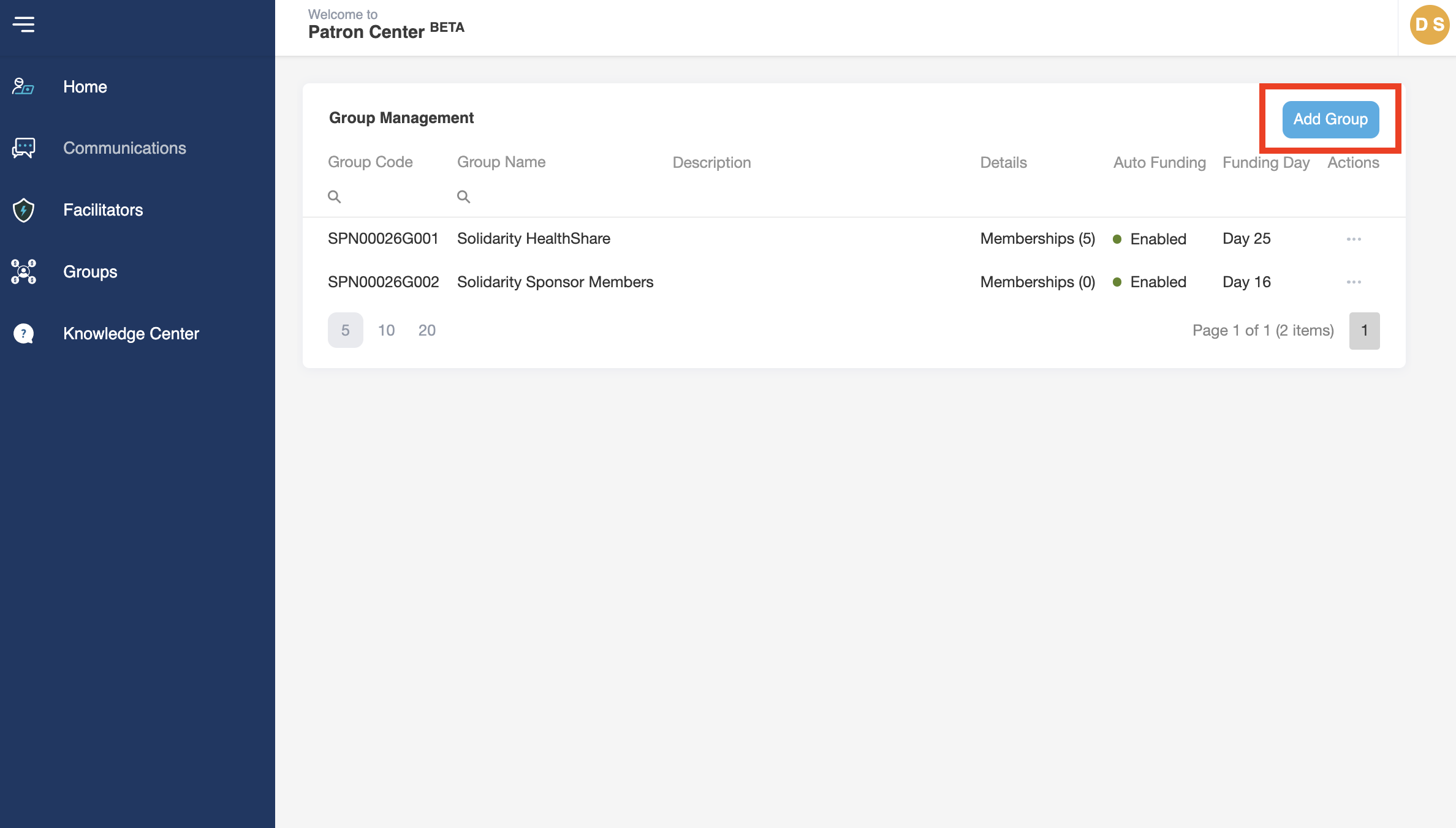
- Click on the Add Group button at the top right corner of the page.
- Fill in the name of the Group and a short description of the Group if desired, and the day of the month that you would like all automatic payments to run for this Group.
- Click Save
- You will see the new Group appear in the list on the Group Management page.
- When you navigate back to the Home page, you will be able to toggle between the different groups.
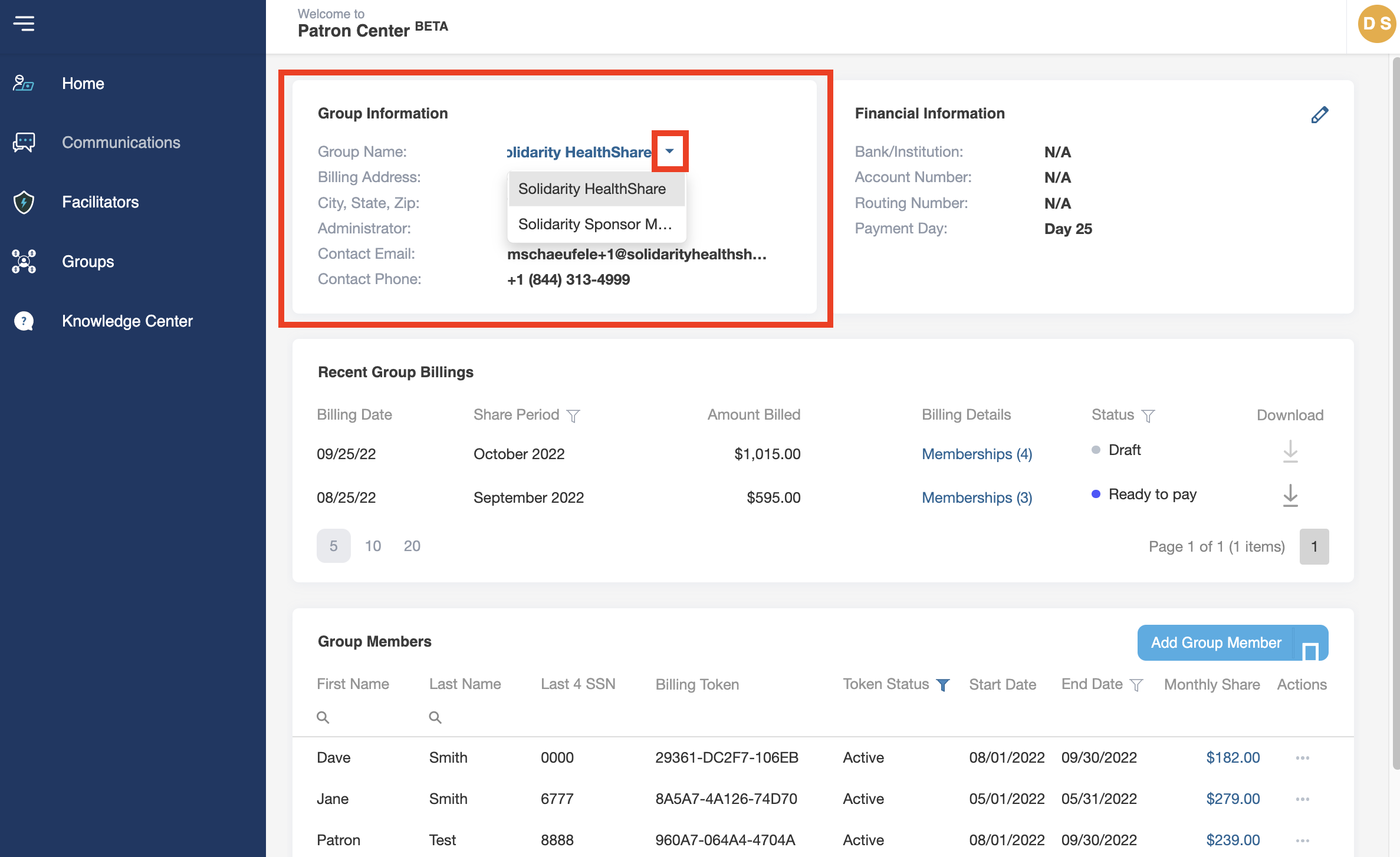
Note: Don’t forget to add Members and a payment method to your new Group.