A Group Facilitator is a second person that has access to the Group Account and can manage adding and removing Members from the Group and update payment information. Once your Group is registered, you can add as many Group Facilitators as necessary to help manage your Group.
Note: Each Group Facilitator will only be able to view and edit the Group they are assigned to, but the Authorized Representative can view and edit all the Groups under their Patron account.
- Log into your Patron Center account
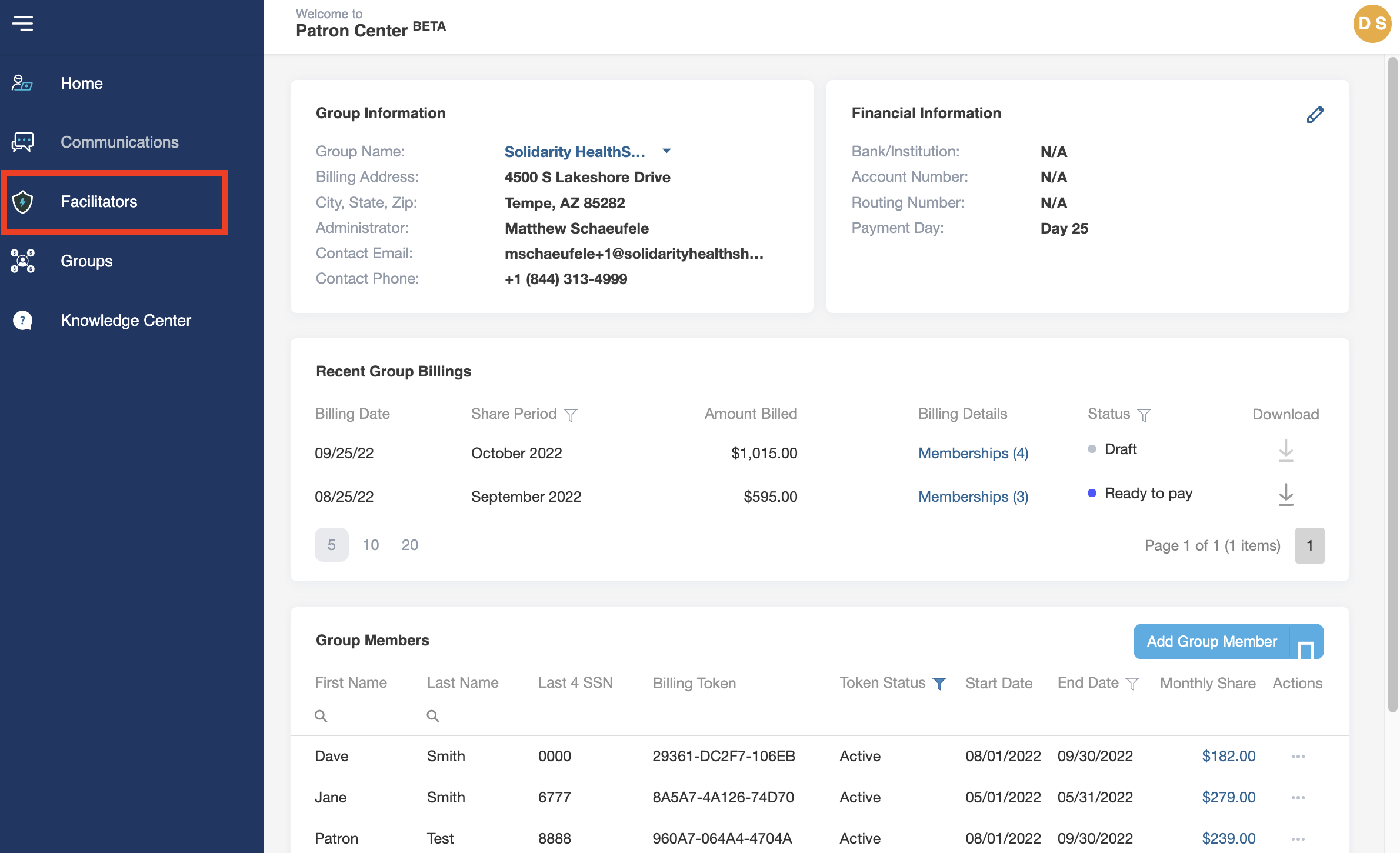
- Navigate to the Menu sidebar on the left side of the screen and click on Facilitators.
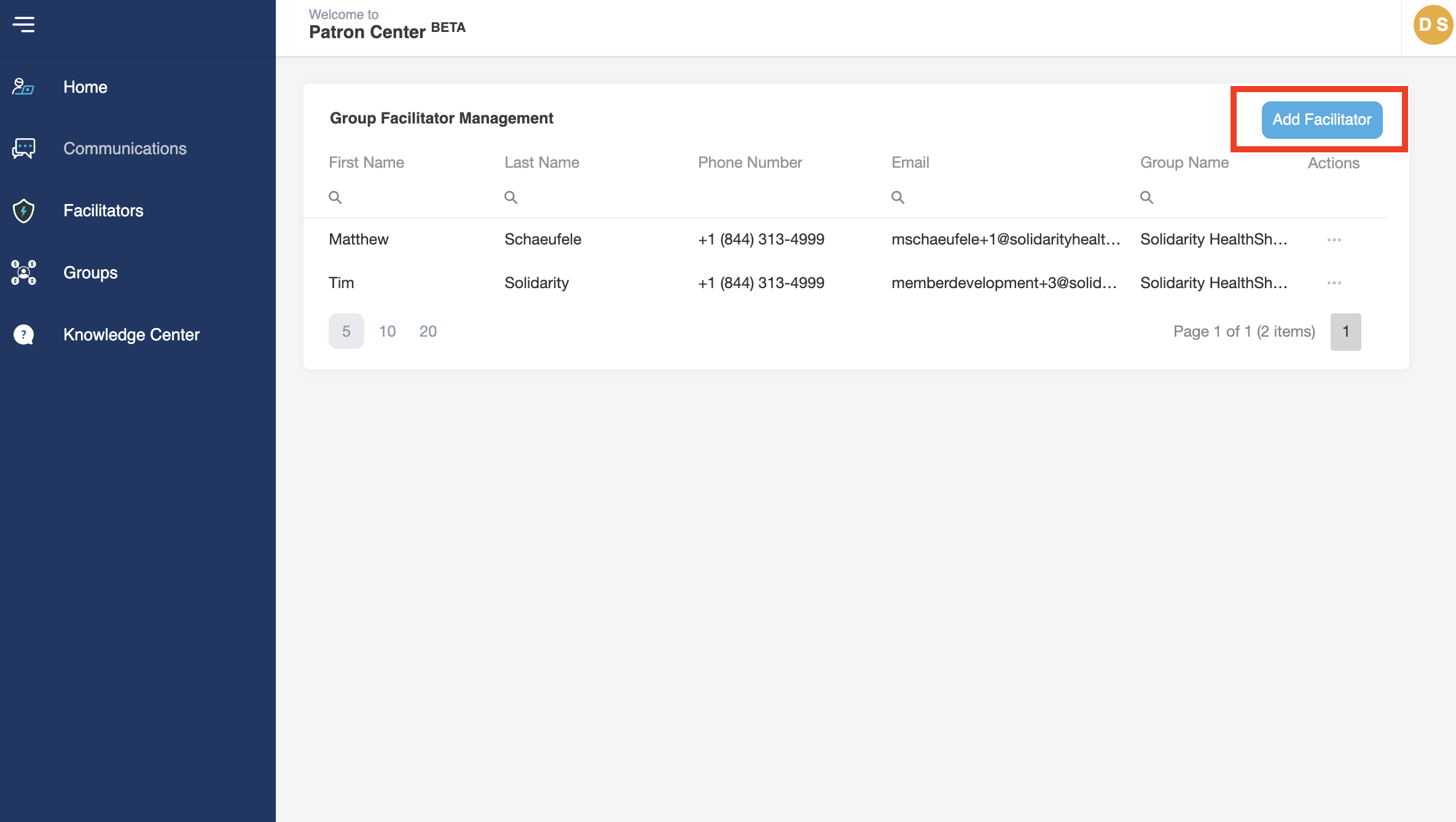
- At the top right of the screen, click on the Add Facilitator button.
- Add in the new Group Facilitator’s name, email, and phone
- Under Group Name, click in the box to select the Group to which the Facilitator will be added.
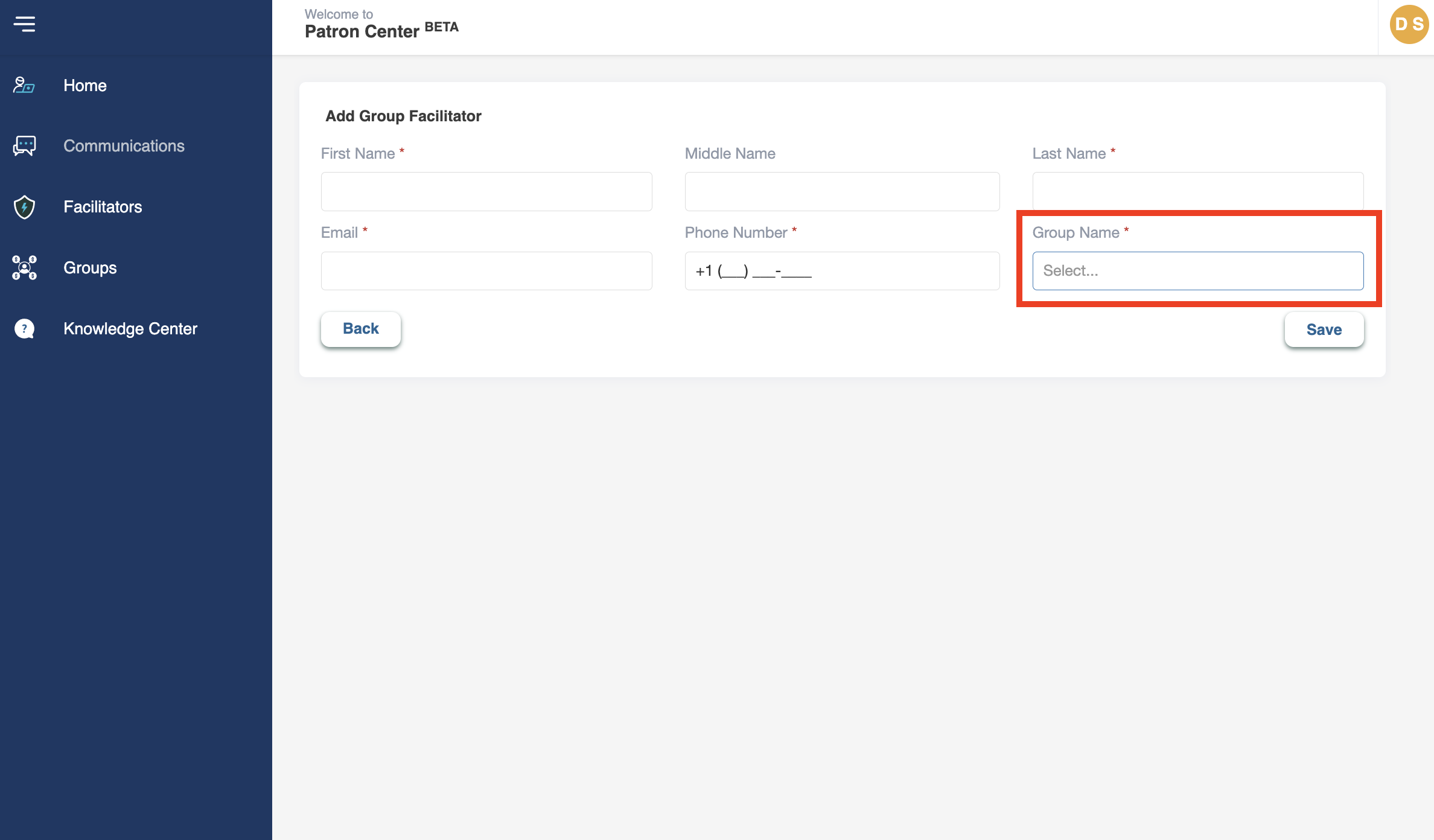
- Click Save
- The new Group Facilitator will now be listed on the account.
Once a new Group Facilitator is added to a group, they will receive an email from Solidarity HealthShare <no-reply@mysharable.com>.This email contains a password reset link. The new Facilitator must reset their password before logging into the Patron Center for the first time. To do so, click on the password reset link in the email. Once on the Patron Center login screen, click “Forgot Password” and follow all the prompts. Once the password is reset the new Facilitator can log in using the email address they received the email to and their new password.