If you need to edit or remove a Group Facilitator on your account, remove them through the Facilitators menu.
- Log into your Patron Center account
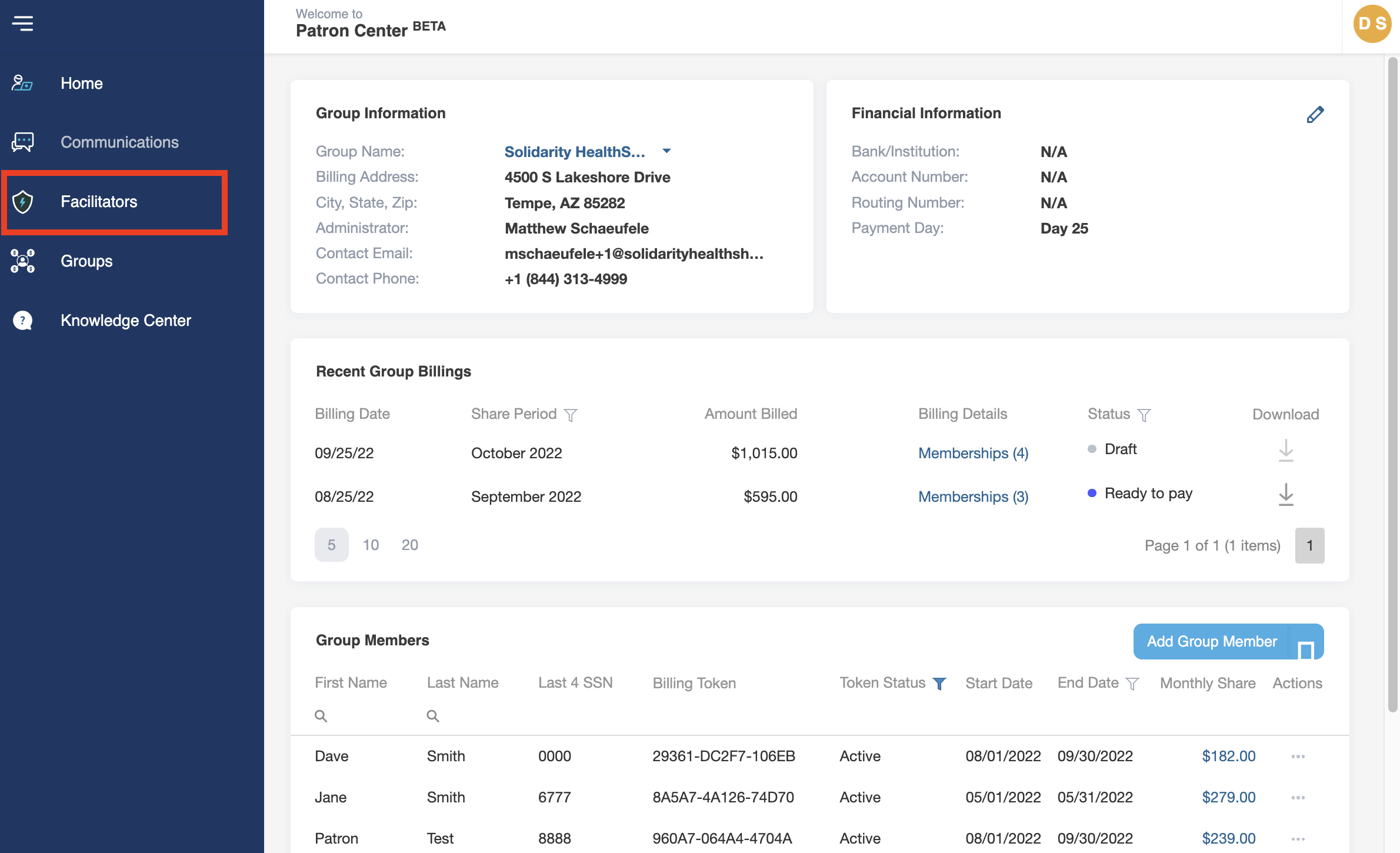
- Navigate to the Menu sidebar on the left side of the screen and click on Facilitators.
- Find the Facilitator that you would like to remove or edit and click on the three dots (. . .) at the right side of their record under the Actions column
- To edit a Facilitator’s information, click Edit.
- Edit the name, email, and phone number of the Facilitator and which Groups they are assigned.
- Click save when all edits are complete.
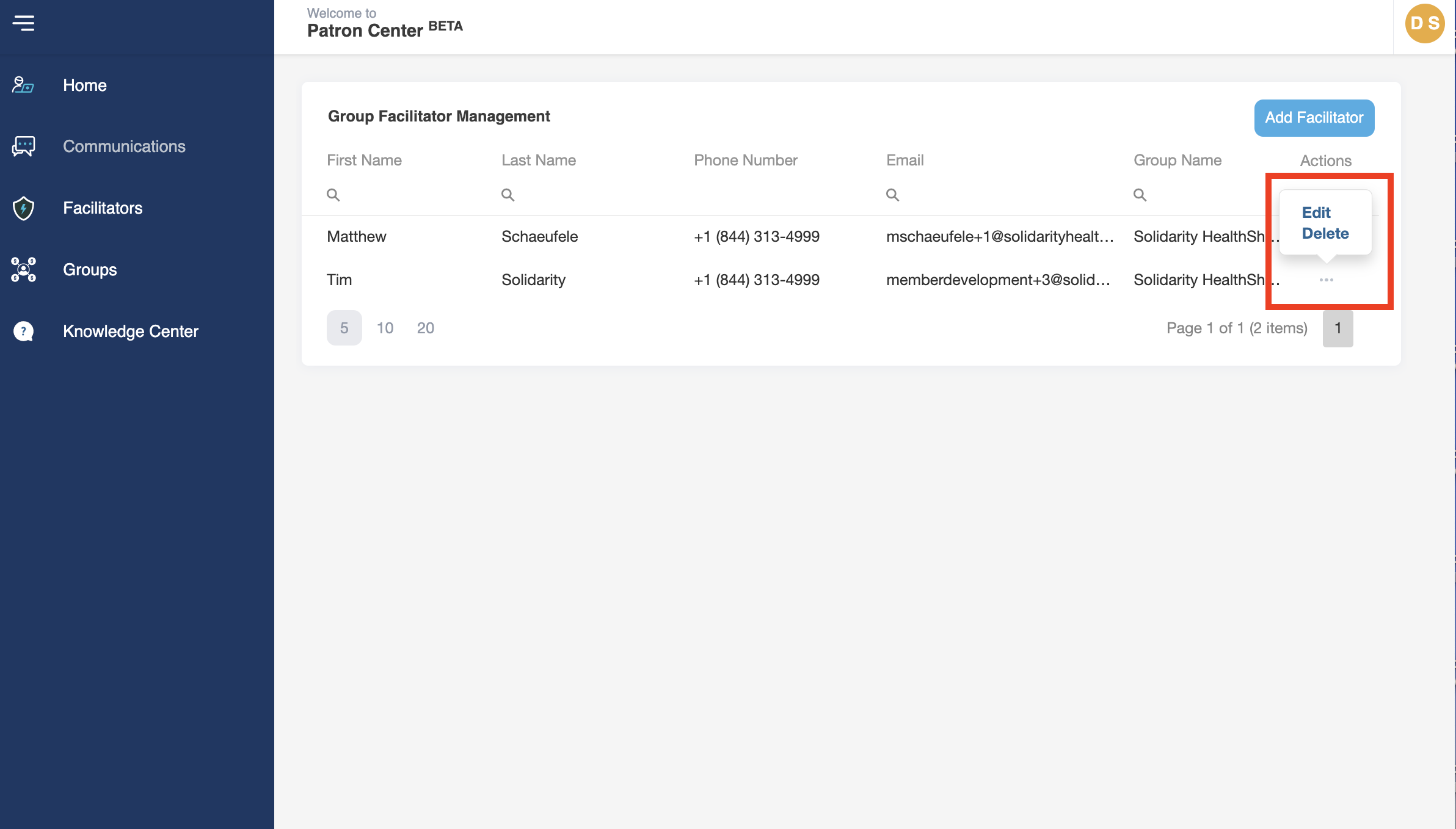
- To remove a Facilitator from your account, click Delete.
- Confirm the removal of the Facilitator