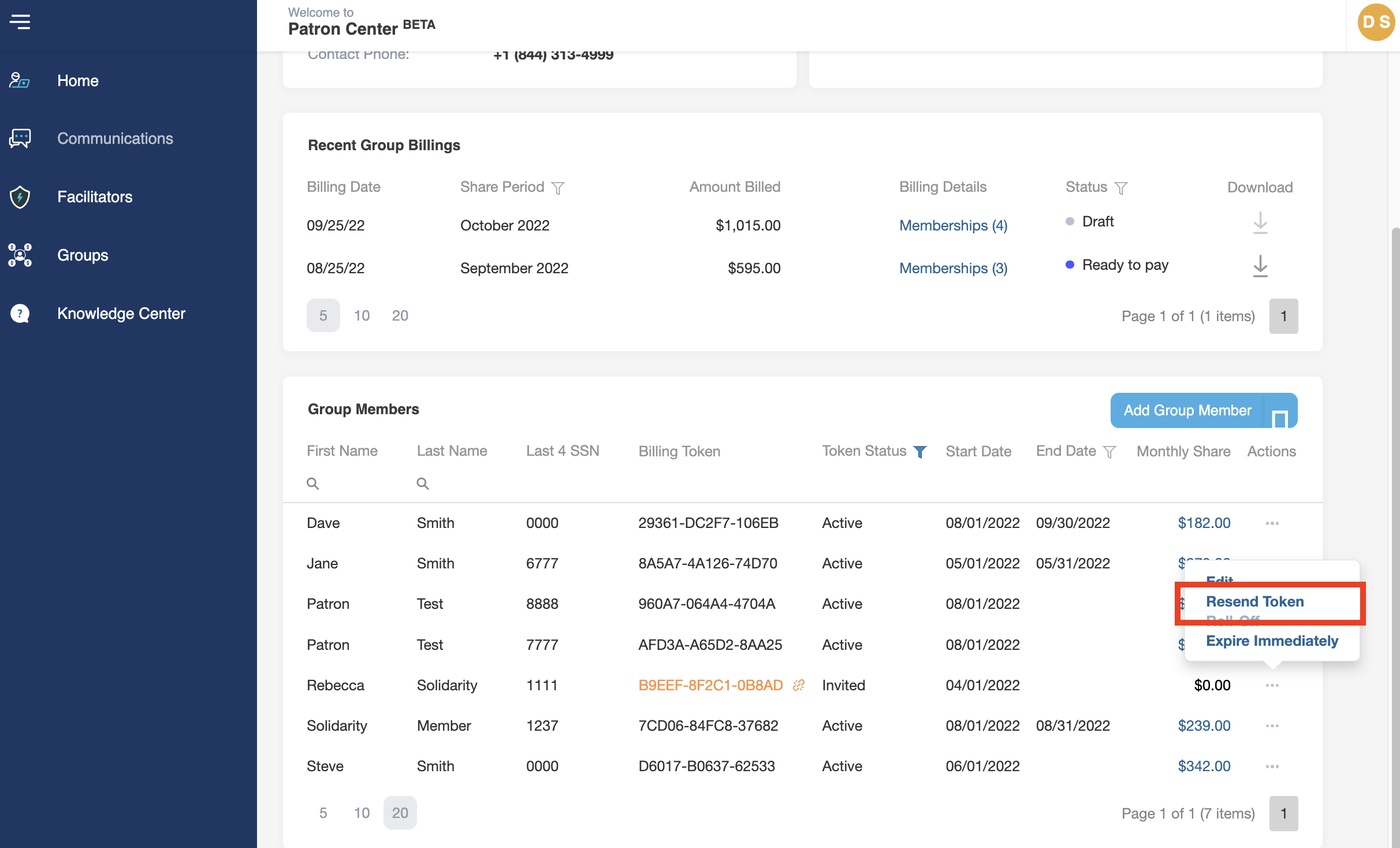
If the group member is not already a Solidarity HealthShare Member and will need to apply as a new Membership, generate a payment token that can be added during the group member’s Membership application process. To complete this process, you will need the Primary Member’s first and last name, email address, date of birth, and last four digits of their social security number.
- Log into your Patron Center account
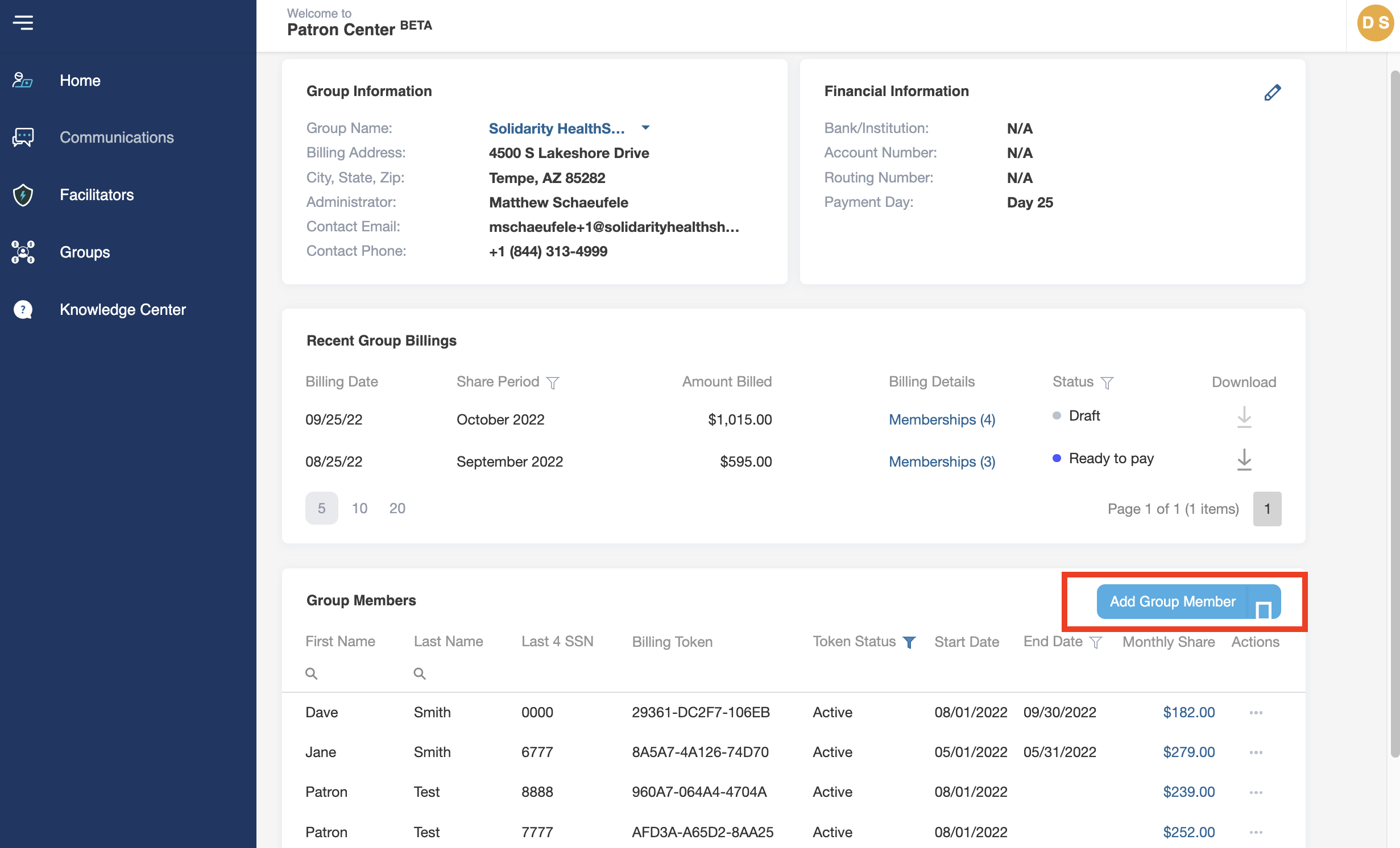
- On the account Home page, under the Group Members section, click on the Add Group Member button in the top right corner.
- Click on Generate Token
- In section 1, fill in the Primary Member’s first and last name, email address, date of birth, and last four digits of their social security number.
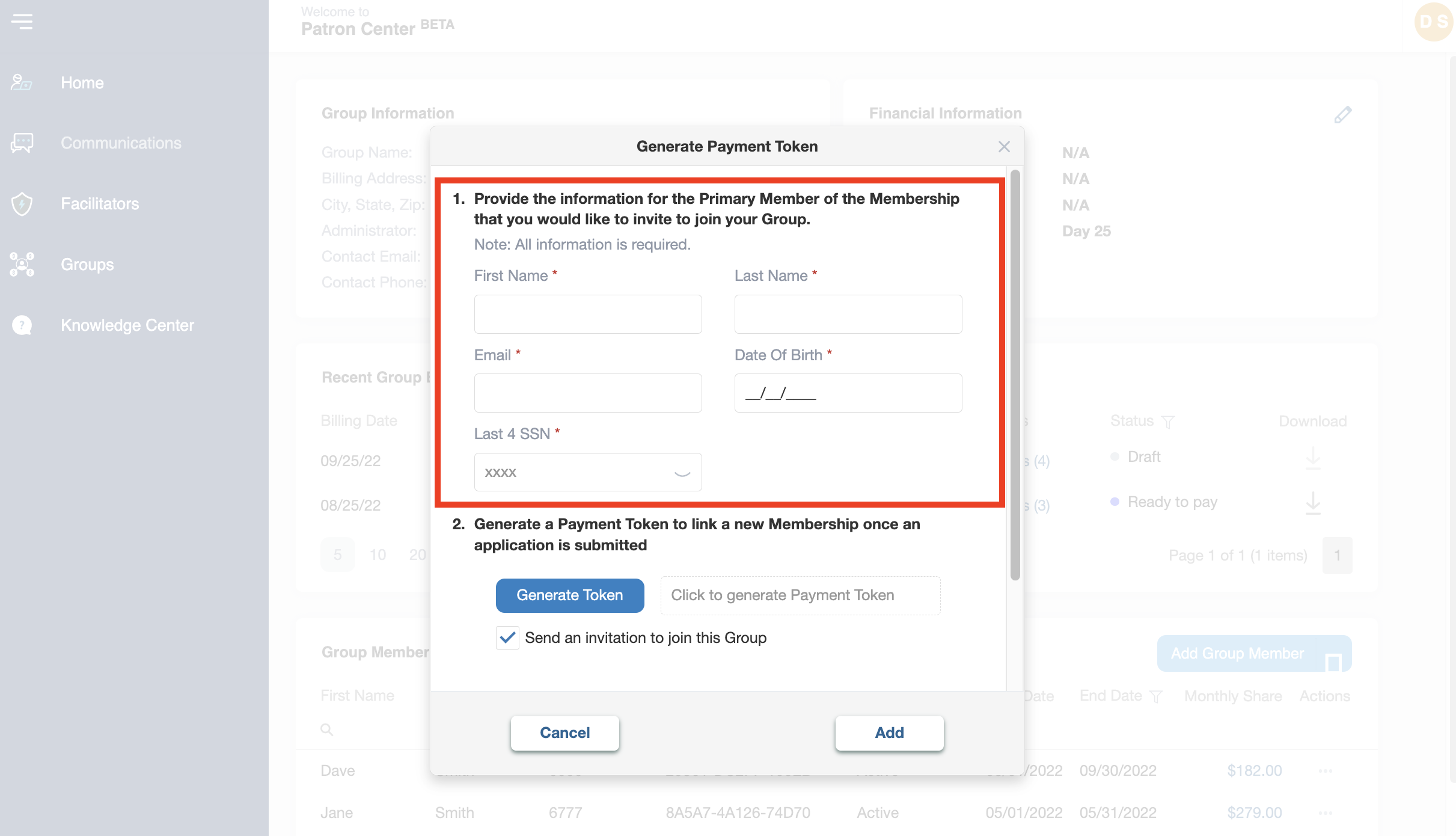
- In section 2, click on the Generate Token button
- If you prefer to send the payment token to the group member in your own communication, copy the token If you would like the Patron Center to send a notification to the group member with their token number, check the box that says “send notification after a group member is added.”
- The group member will then input the payment token on their Membership application. Once approved and the Member completes their Sharing Account setup, the Membership will be automatically linked to the Group.
- In section 3, choose a Start Date from the dropdown. This will be the date on which the Group will start facilitating the funding of group member’s total Monthly Contribution Amount.
Note: This will include any monthly fees on the group member’s Monthly Contribution, such as the fee for participation in our health coaching program, Solidarity Well.
- To add the group member to your group, click Add.
- If you need to resend the payment token to an group member you have already invited, you can do so in the Group Members section by clicking on the three dots (. . .) under the actions column to the right of their name. Then, click Resend Token.
Note: If a group member applies using the payment token method, their application fee will be added to your next Group Billing.